Server Settings - Change the Operating System
5 Minutes read

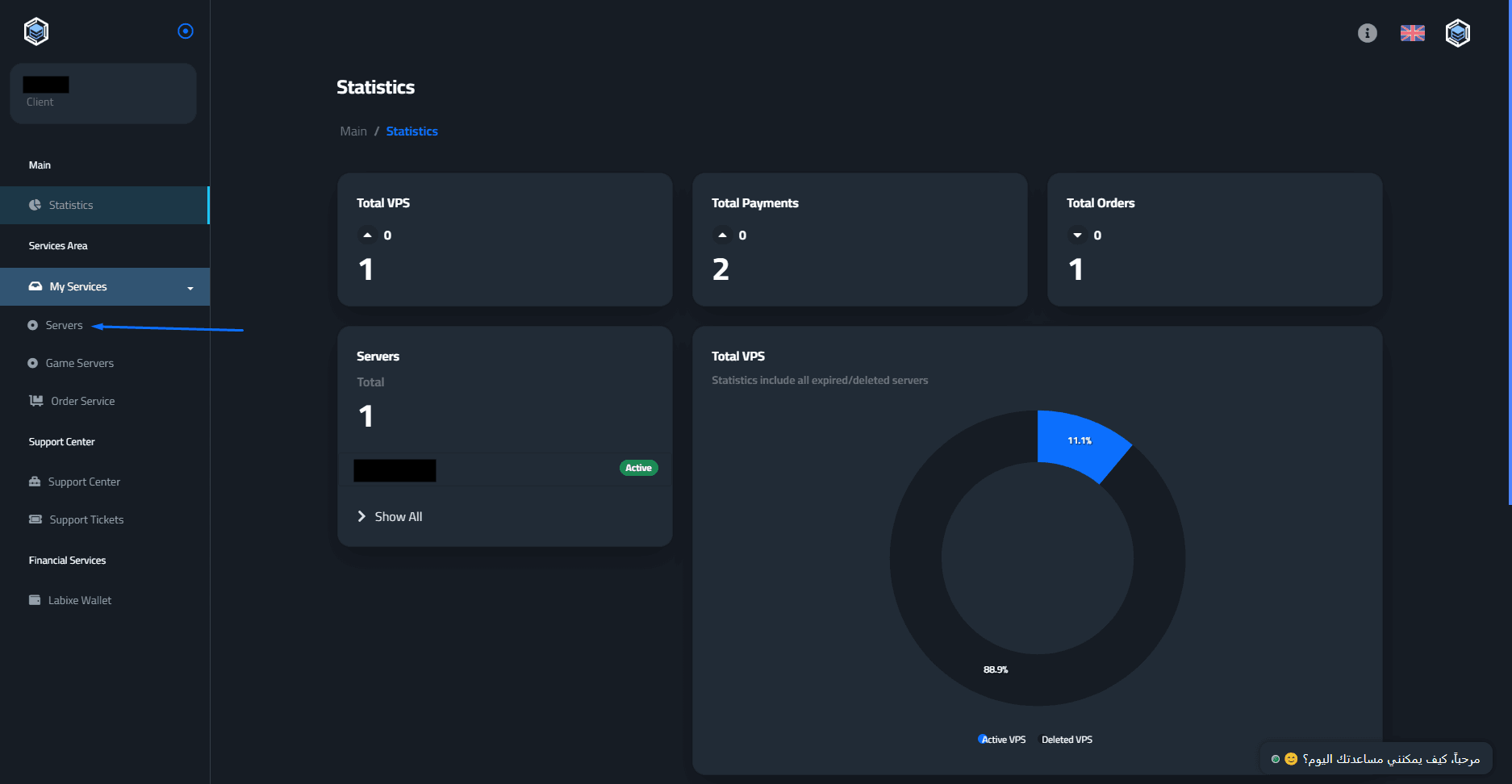
Start by logging into the control panel: from here - then click on “Servers”.
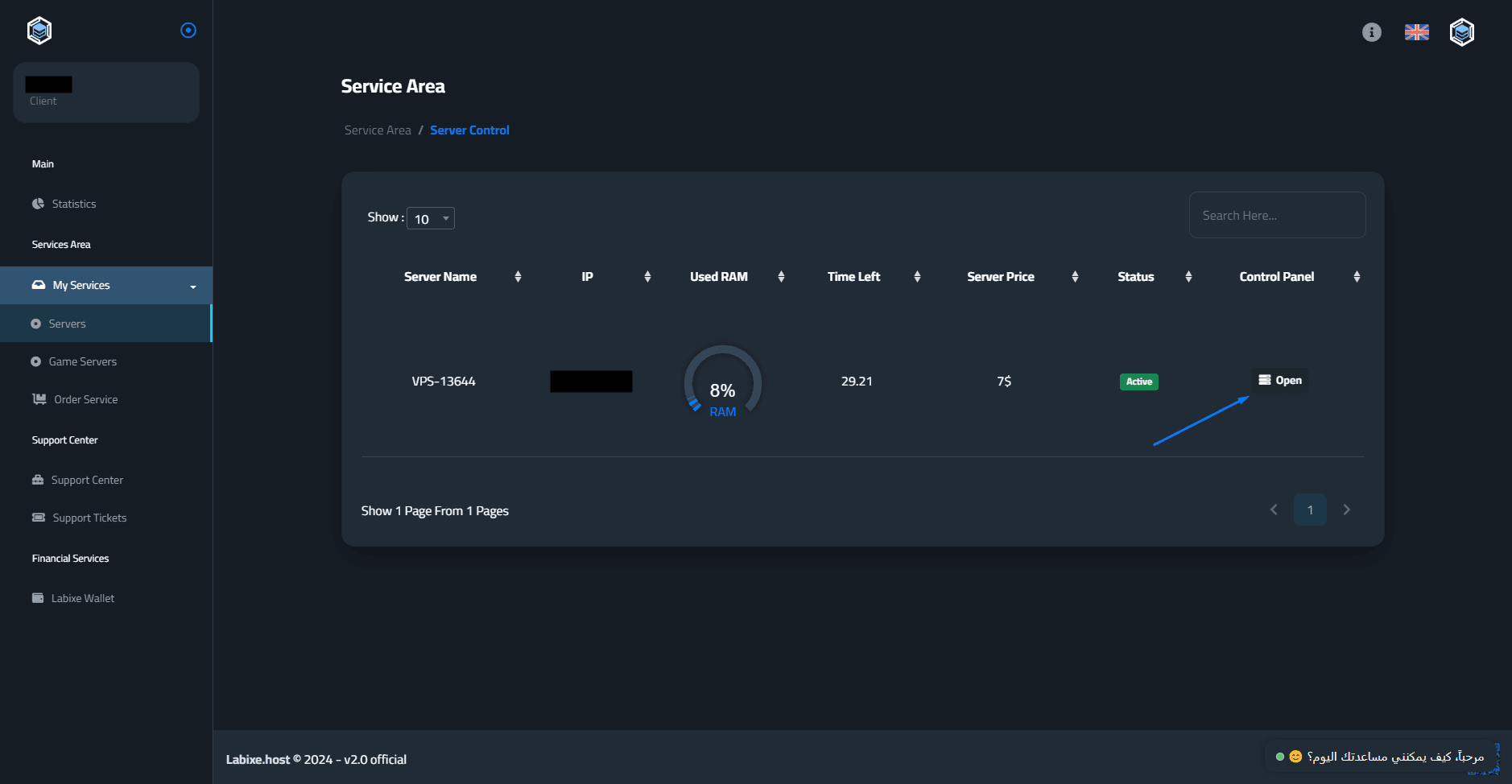
Click the “Open” icon in the control panel to enter the settings for that specific server.
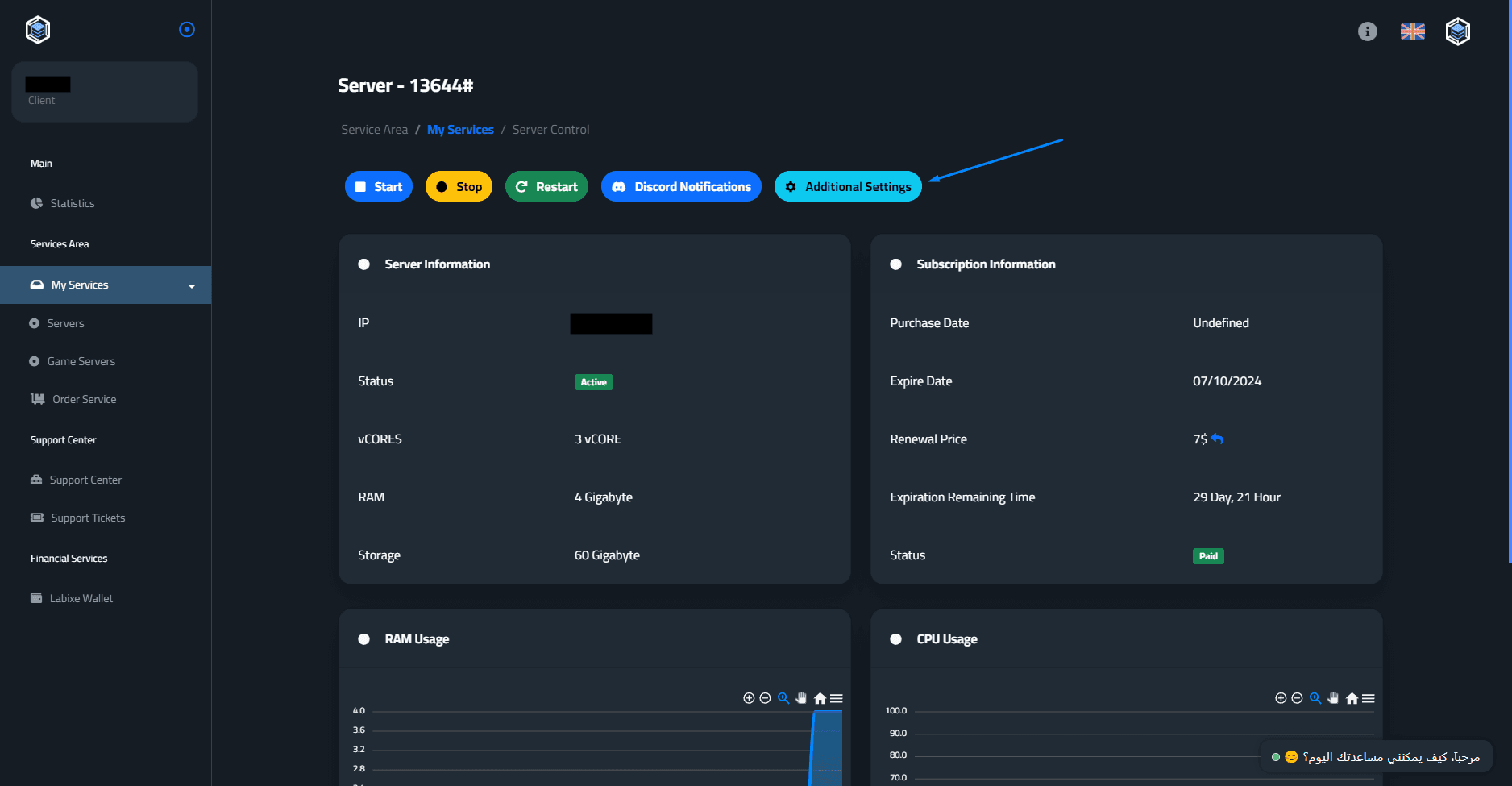
Click on the “Additional Settings” button.
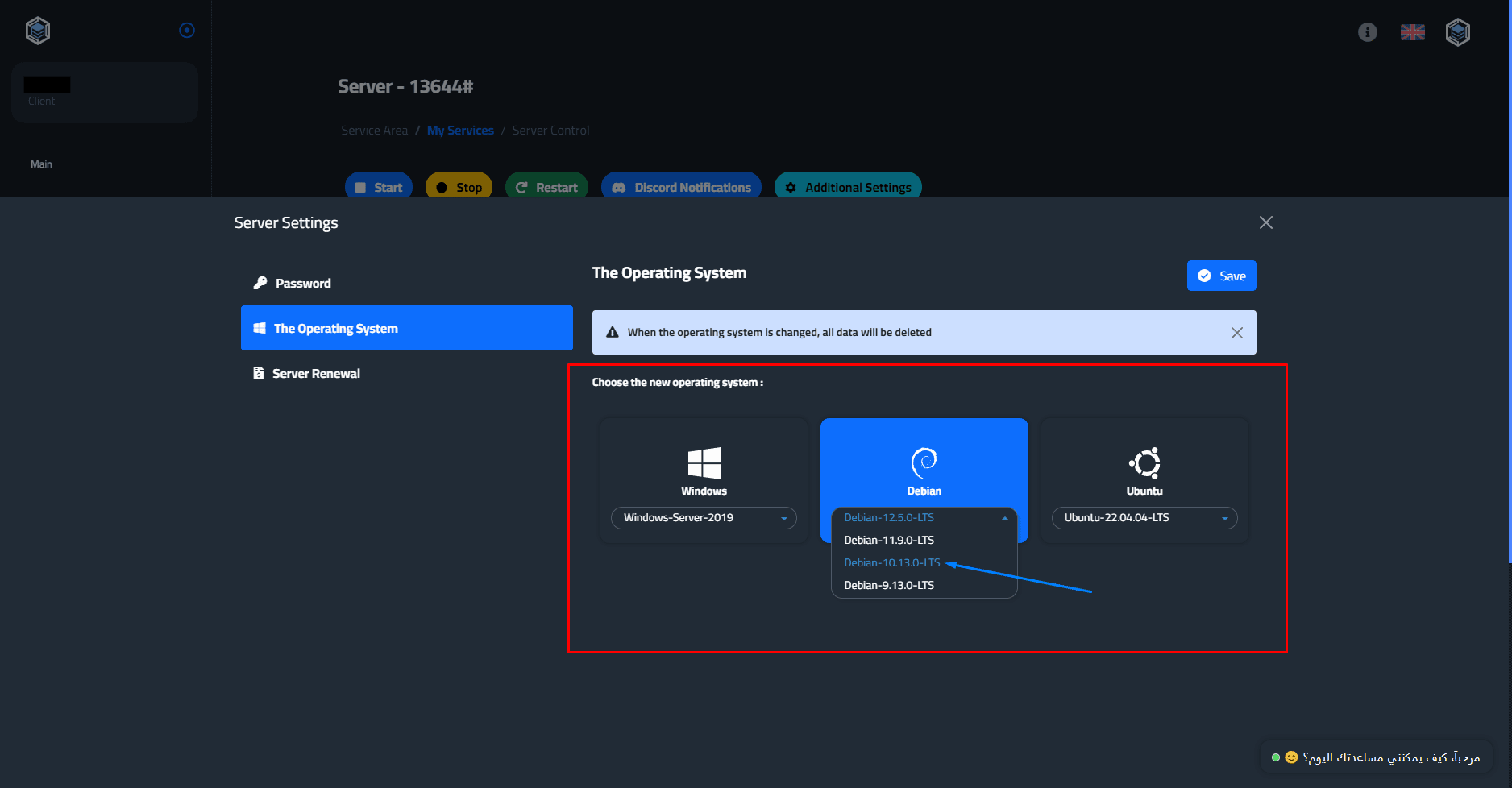
Then go to "The Operating System".
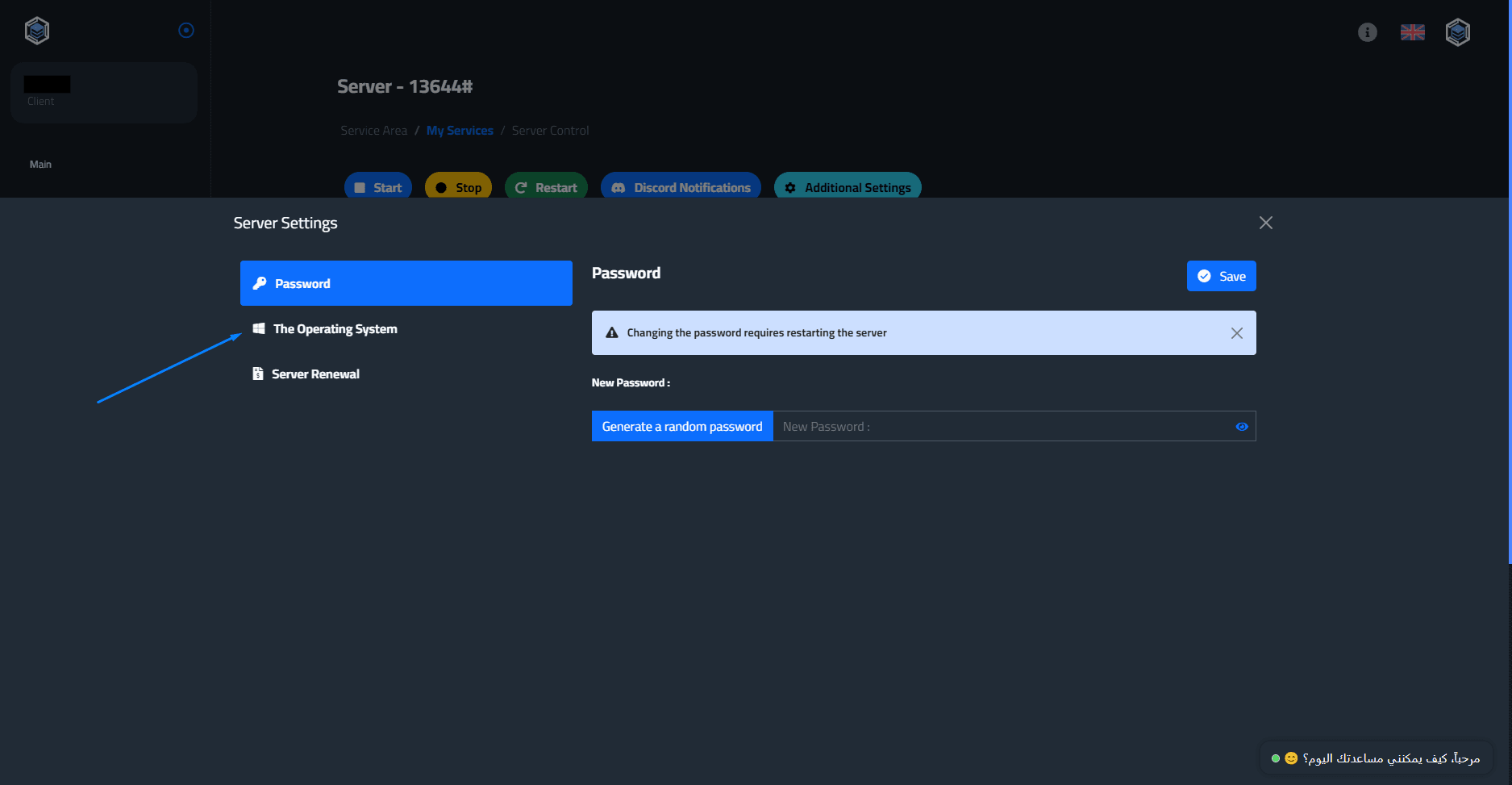
Here you will choose the operating system you want to install, Then click "Save".
Click "Continue" to complete the system change process.
Note* When you change the operating system, all server data will be lost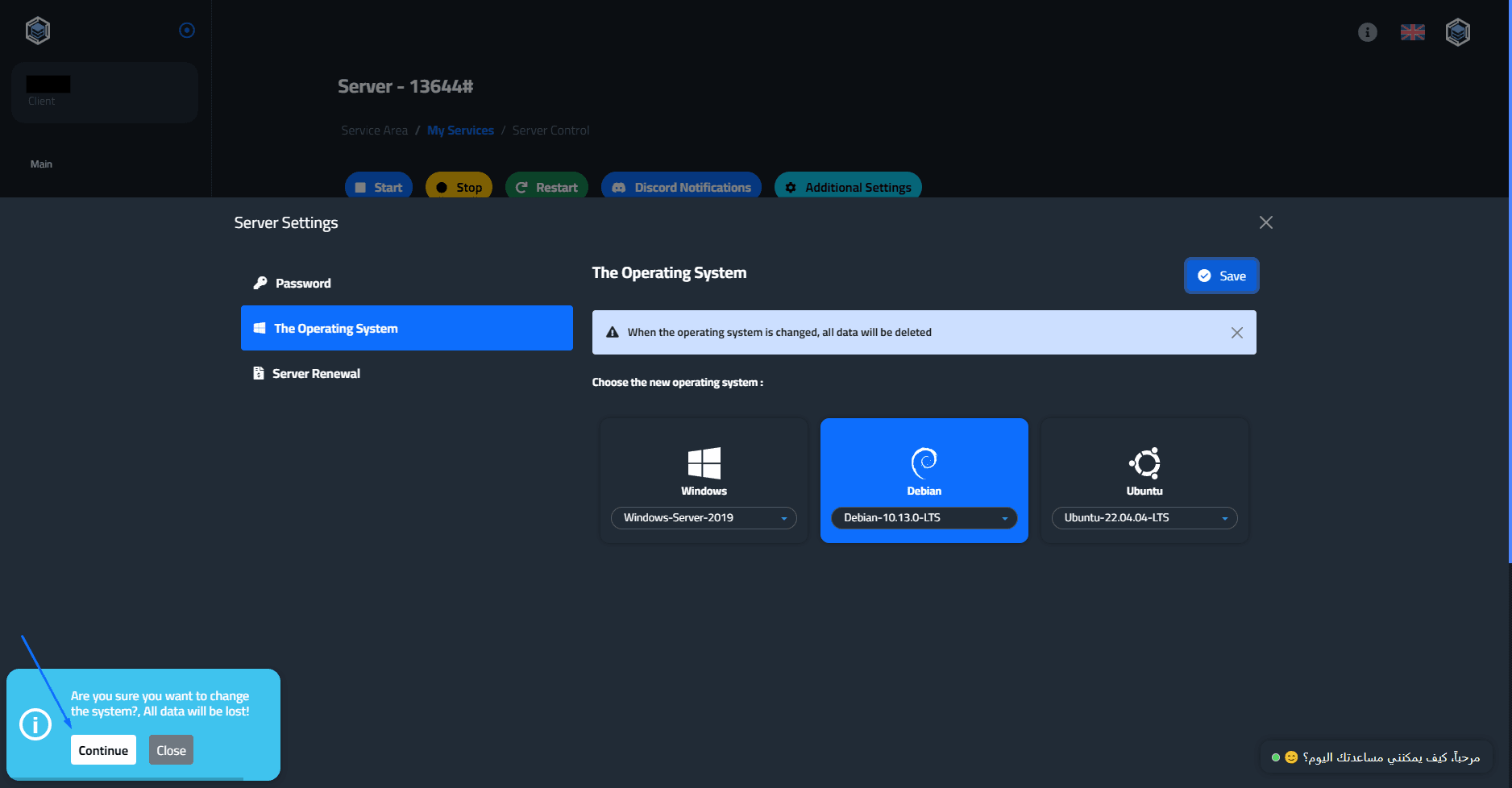
You will wait 5-10 minutes for the new operating system to install.
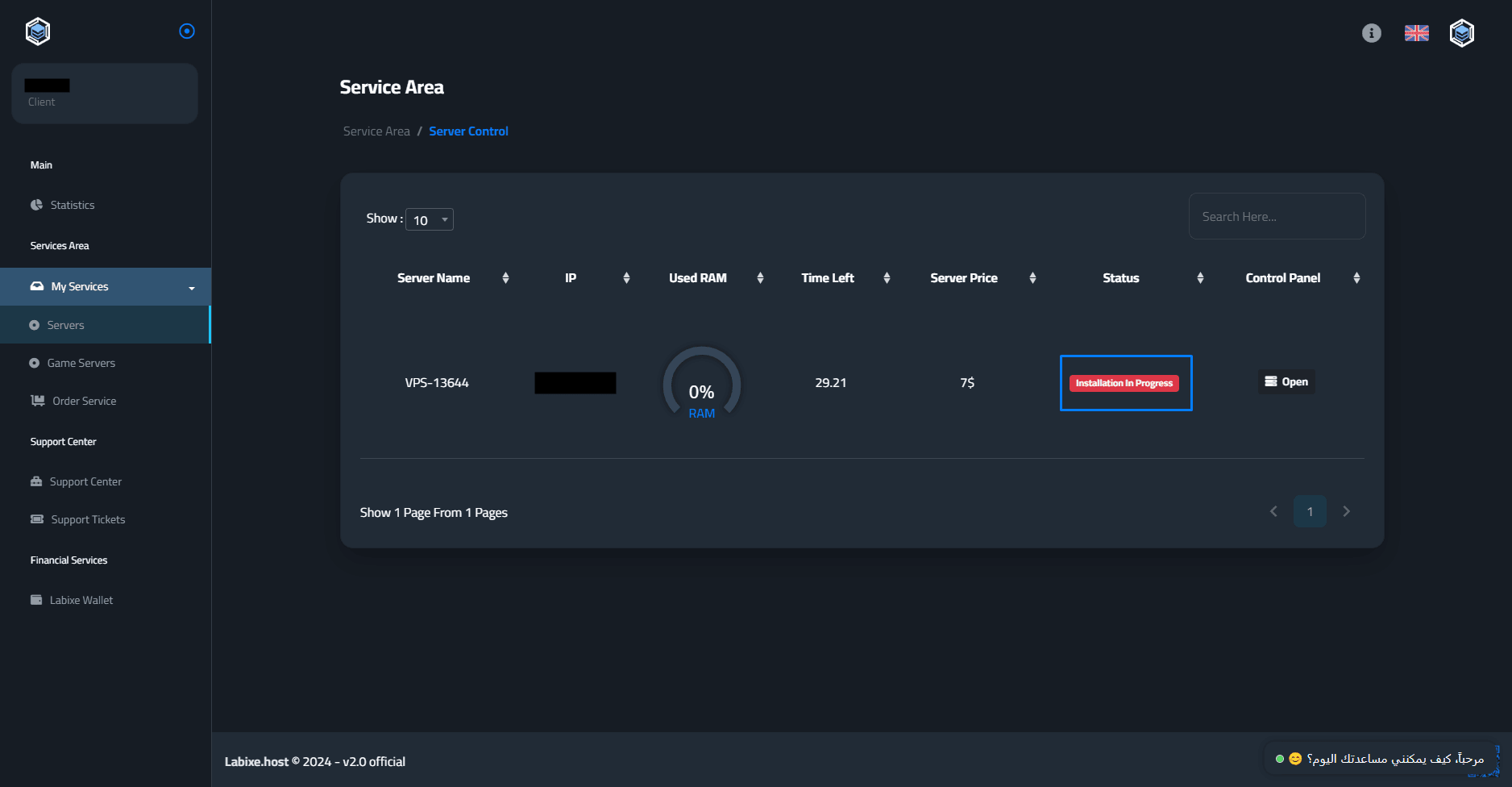
If you encounter any problem, do not hesitate to contact us from here - the Labixe Host team salutes you.